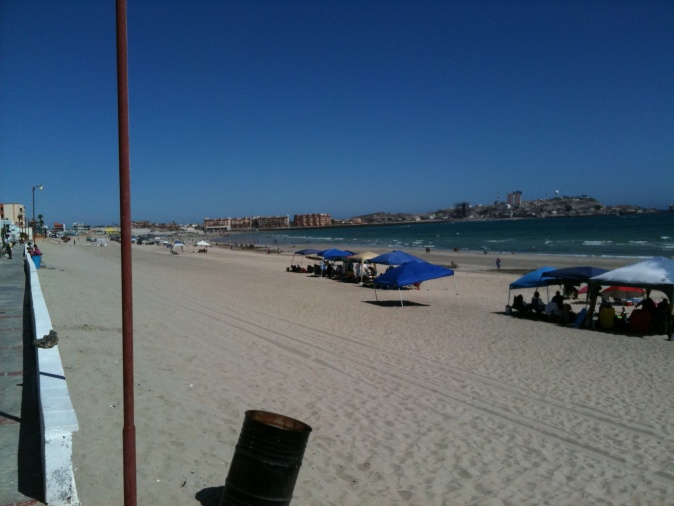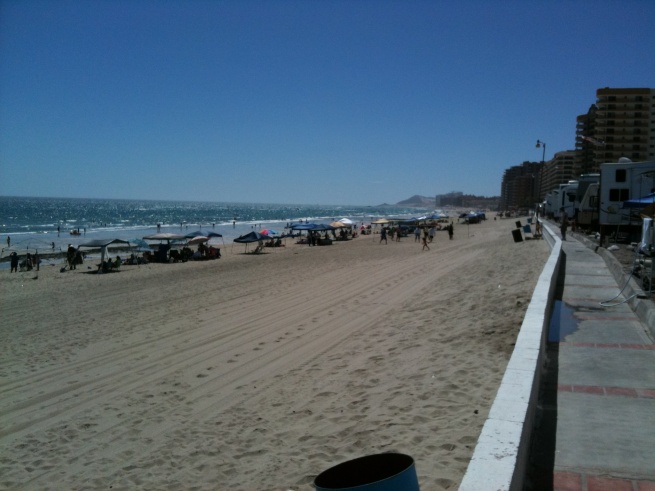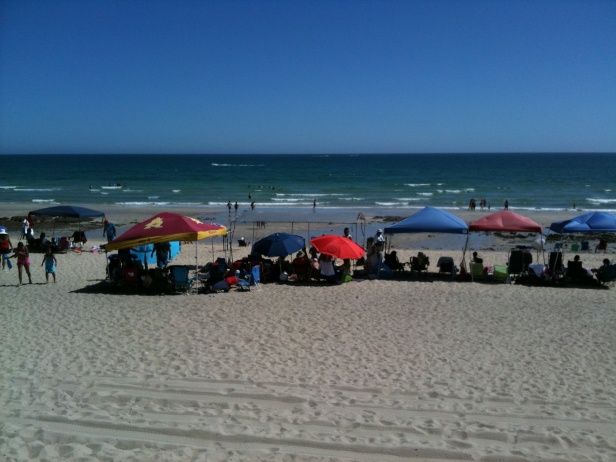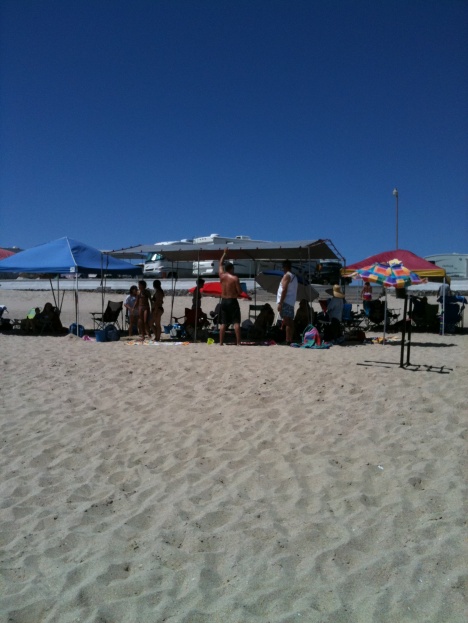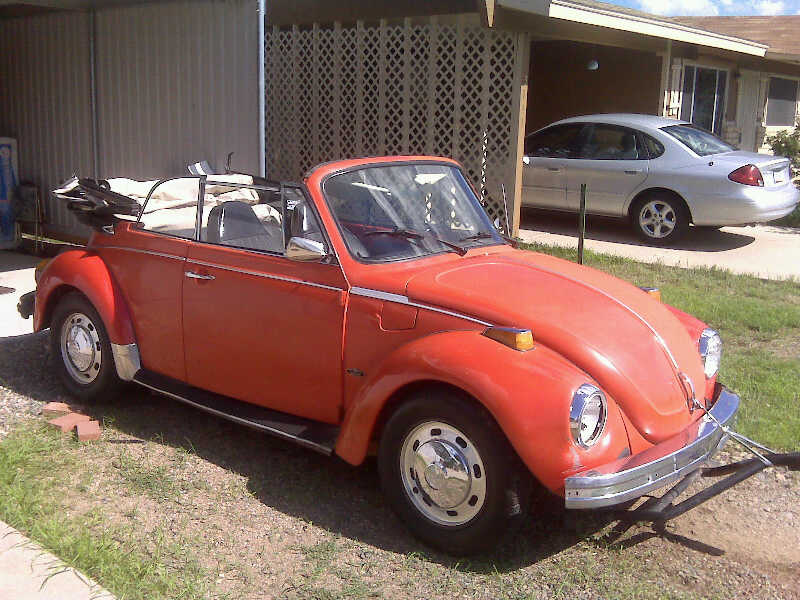

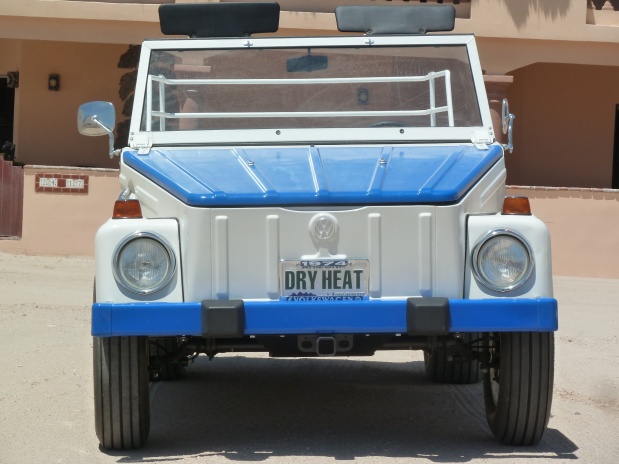
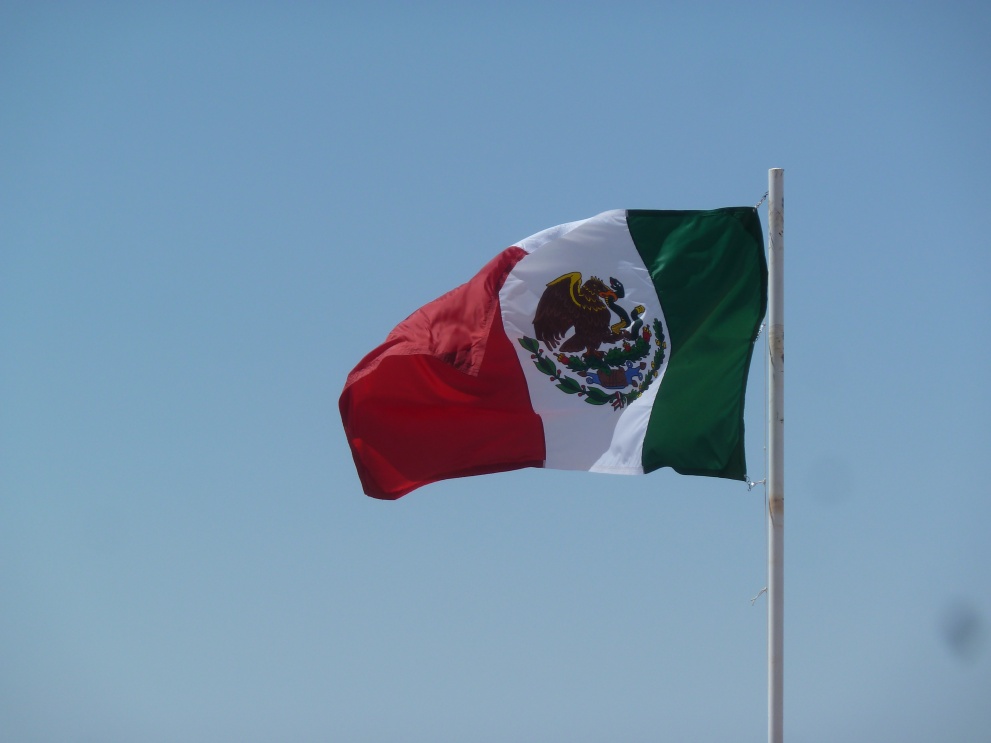
 Most of you who like to post pictures have mastered the easy ways to put pictures online. If you want to show your shots larger, during the time you upload in 'go advanced', after clicking 'inline' you should be able to see your pictures in the set up box, look for a small pencil in the upper left corner of each pic and click or double clik on it. This will bring up a new 'showing' of the photo in an 'edit' box surrounded by words in spanish or what looks to be latin. From the list below the photo, choose which size you want it to be and click save or add a description too. I have made some examples of the various sizes. For some reason, on some of my older computers using XP, it doesn't seem to add the 'pencil' edit feature.
Shall we make this a sticky?
Last edited: May 23, 2011 at 7:02 PM